



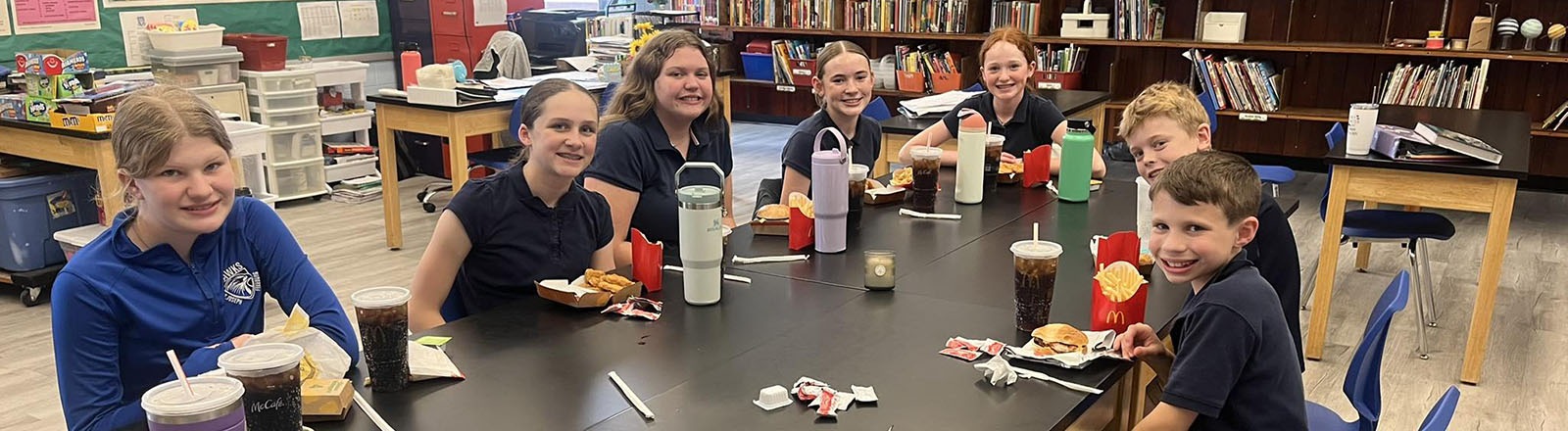
For the 2026-27 school year, the hot lunch program is being provided by Poettker’s Catering. Families must place their orders through FACTS on Thursdays for the following week.
The cost of a hot lunch is based on the age of the child: $4.25 for children five and under; $4.45 for children ages 6–10; and $4.85 for children 11 and older. Milk is included with the meal. Extra milk may be purchased at $0.75 per serving. Payment for lunches must be kept up to date to continue in the program.
Children who bring their lunch may purchase milk for $0.75/per serving.
Lunches are not served on early dismissal days, and school cancellation days due to inclement weather.
Steps to order lunch on FACTS
1. Log in to the parent portal.
2. On the left side of the screen, you will see "Student." Click on "Student" and a dropdown menu will appear.
3. Under "Student," click on "Lunch."
4. A calendar of the week will appear. On the top left you will see "Create web order."
5. Once you have clicked on "Create web order," you will be able to order for the days listed.
6. Once you have entered all of your lunch choices, at the bottom right it will say "Order items." Click that button and you will be finished.
To check that your items were ordered, you can go back to the calendar and your choices will be listed under each day.